

In-game chat is a powerful tool for game developers to drive player engagement and increase retention to create an immersive gaming experience that fuels community building in online games. But when you add chat to a live-service or multiplayer title, players bring expectations shaped by third-party chat apps like Discord, TeamSpeak, Mumble, or even Messenger. Some squads will still run voice chat, others want team chat, lobby chat, and direct messages inside your client. Your goal is a gaming experience that meets those expectations during gameplay and keeps player interactions on your platform.
That is much easier said than done. Live games need real-time messaging with low-latency delivery, scalability through guild raids and season launches, and the reliability to maintain chat connections when concurrency spikes. You need privacy and security on every channel, especially for titles serving younger audiences that require thoughtful parental controls and moderation, so harmful content is blocked. Filtering traffic, routing private chat and group chats correctly, and securing messages in real-time is a monumental challenge.
This is where PubNub can help. PubNub has everything you need to build real-time interactive apps, drive innovation, and deliver a user experience that drives retention and growth. Thousands of customers depend on us to deliver messages in less than 100ms globally, process 2 trillion+ transactions per month, and back production workloads with a 99.999% uptime SLA, with peak concurrency references on the order of 10.5 million+. Game studios like Gameloft use PubNub to power multiplayer chat in Heroes of the Dark, and Pocket Gems moved War Dragons from in-house chat to PubNub when peak load demanded more reliability. They trust PubNub to power their online features for games and tools for in-game chat, live leaderboard updates, and alerts and notifications. This creates a platform to reel players back into the game, time and again.
Players expect features to blend into your UI without major disruption or annoyance. Our Unreal Chat SDK and Unity Chat SDK are made for developers whose primary goal is to implement chat quickly, using pre-built functionality designed for chat applications.
To build in-game chat your players will actually use, stay current on the features you cannot overlook, and learn how PubNub delivers them.
Chat rooms and group chats
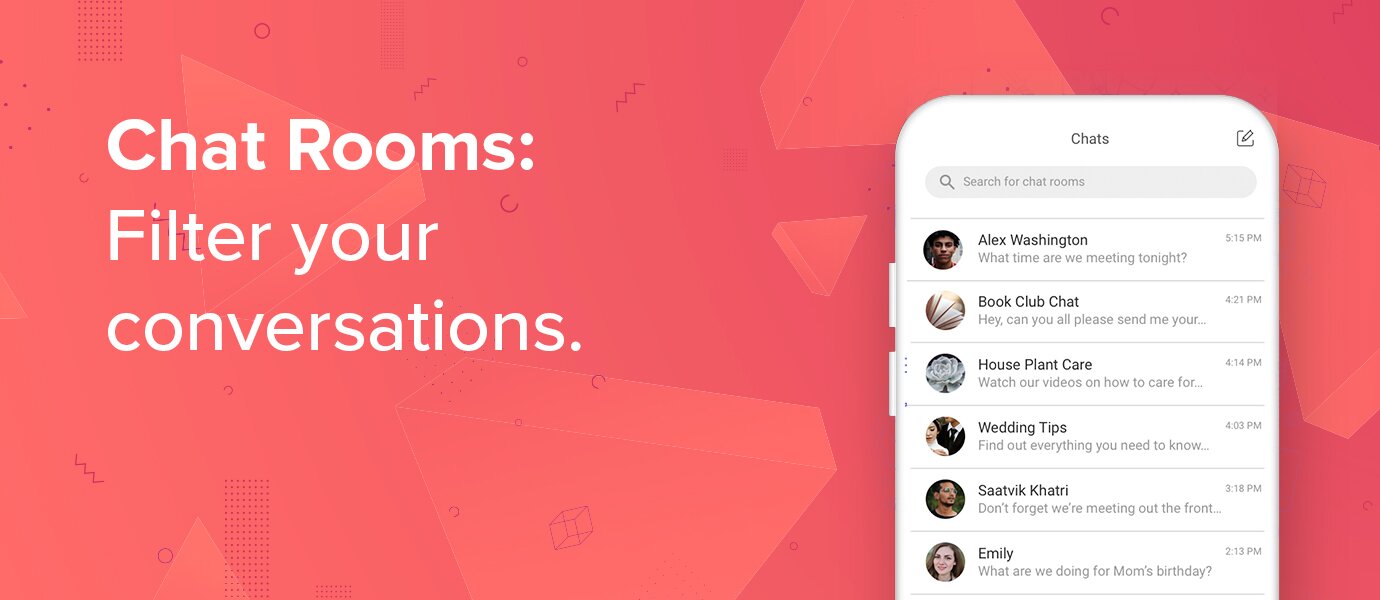
While it may seem apparent, you cannot overstate the importance of clear, intuitive chat rooms and group chats. Team chat, guild channels, lobby chat, and private chat enable players to interact with the right group at the right time. Most MMOs twenty years ago offered local, party, or guild text channels. Contemporary players still want the freedom to choose communication partners, switch between composed channels, and do so intuitively, whether they are coordinating a raid, waiting in a pre-match lobby, or sending direct messages one-to-one.
PubNub's core foundation is built on sending and receiving messages between any number of devices and users in real-time in under 100ms. We are built on the pub/sub architecture: a publisher sends messages to interested subscribers via live-feed data streams known as channels (aka topics). All subscribers to a channel are notified immediately when new messages arrive, and the payload is delivered together with that notification. This allows for real-time messaging at the foundation of every group chat and private chat thread.
Messages can be stored and retrieved using Message Persistence, with each message stored on its channel and timestamped to the nearest 10 nanoseconds. Offline players can catch up on history after reconnect; they can also be alerted through mobile push notifications via PubNub's Mobile Push Gateway so they never miss that raid- or queue-ready notification.
Our Unreal Chat and Unity Chat SDKs ship out-of-the-box chat features like read receipts, mentions, unread message counts, threads, and more, so you can quickly create private, group, and public conversations, invite users, send and receive messages, react to messages, and see when users come online or offline.
For safety and reliability, PubNub Functions can run logic before publish. This allows for filtering profanity, enforcing rate limits, or escalating flagged content so the moderation policy executes at the edge instead of only after delivery. You can also use BizOps Workspace to watch live previews of conversations and manually moderate by muting or banning users—complementing automated rules and parental controls workflows your studio defines.
Friends
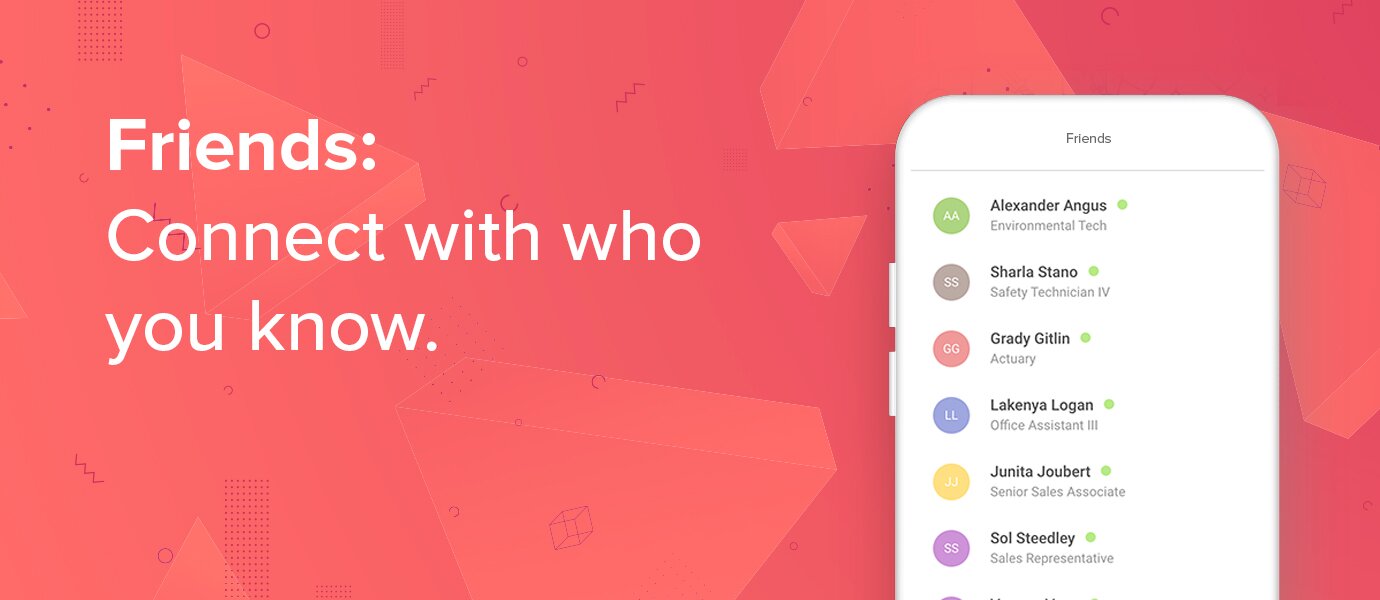
To make chat the centerpiece of a social experience, facilitating personal connections between players is quintessential, especially when players want to team up with real-life friends. Like a group enjoying a session in the real world, the virtual world must support that camaraderie. Whether organizing game nights or kindling new friendships online, a friends list with user presence paves the way for players to connect, chat, and play together with ease.
PubNub's technology helps real-time chat data transmission meet modern privacy and security standards. Presence enables you to give your game real-time insight into who is online, who joined or left a channel, and which channels a player subscribes to, enabling user presence that powers team collaboration without constant polling.
Manage memberships (Unreal Chat/Unity Chat) to define friend groups, then watch friends come online via user presence (Unreal Chat/Unity Chat) and invites. When that friends list loop works inside your game, players have less reason to coordinate the same session through third-party chat apps.
Reactions
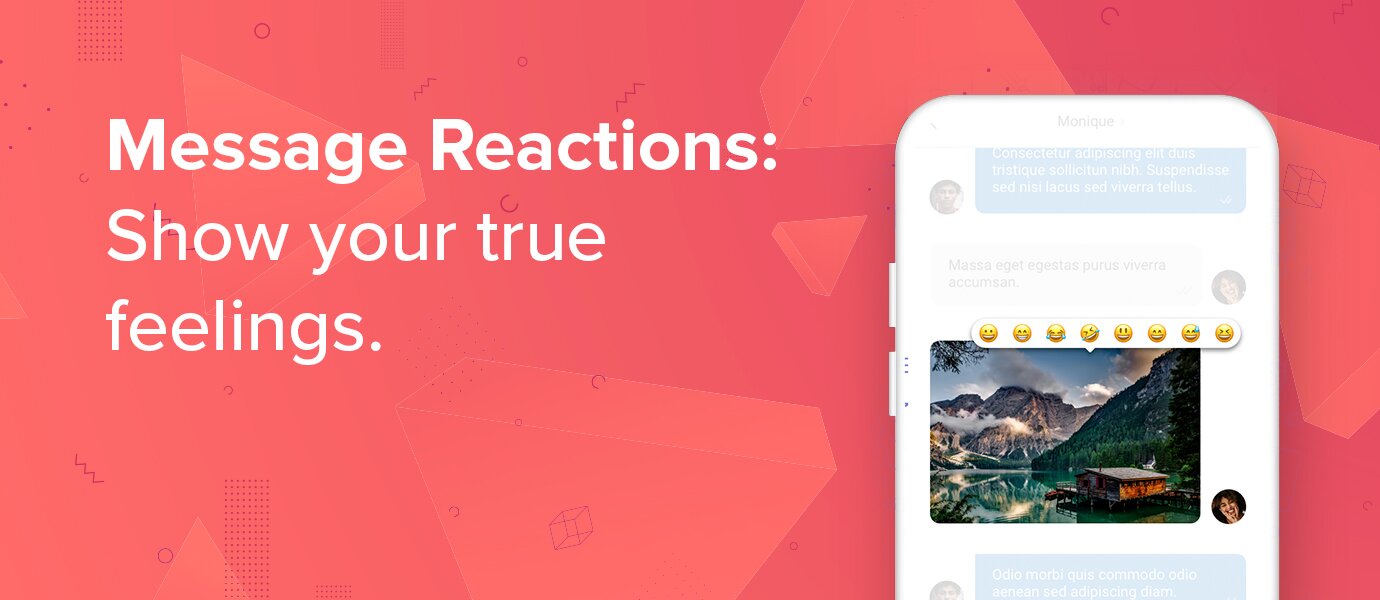
Conversations are where players express frustrations and elations. An emoji says a lot, but reactions (and emotes) let players put emotions in context. They are a lightweight, fast way to comment on messages or reactions during the game when they normally can't chat. Reactions, GIFs, and custom emotes give players room to meme, celebrate, and react to moments in your game without flooding team chat with duplicate messages.
PubNub's message reactions let players send an emoji or custom reaction to a message; reactions are visible to everyone in the chat room alongside the original message. Message reactions are available for quickly adding emoji reactions on messages in your Unreal Chat and Unity Chat SDKs.
If you would like to see how to add message reactions to messages in practice for a different SDK, follow how to add reactions and emojis to messages with our JavaScript Chat SDK for a step-by-step walkthrough.
Typing indicators
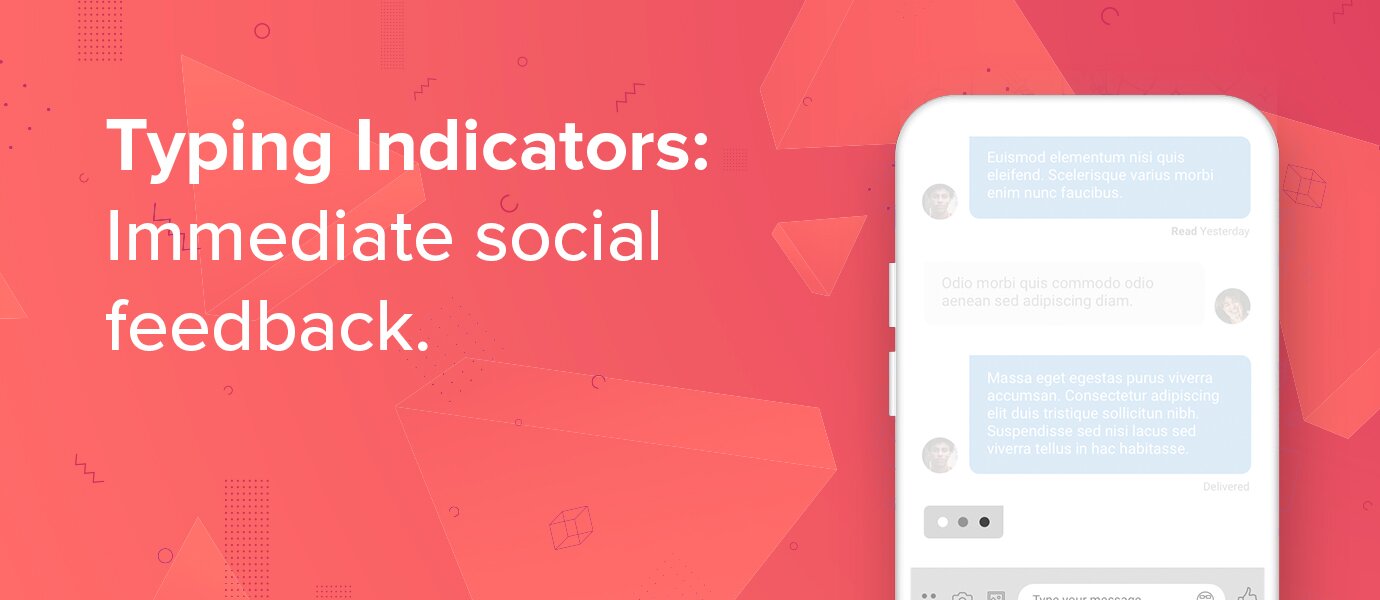
Your game probably has a lot going on: combat, UI interactions, and live streaming overlays, so do not make players stare at silent threads. Typing indicators bring immediacy to text-based player interactions, showing at a glance that others are active in the conversation. They are small pieces of visual feedback that make chat feel organic and life-like, help prevent cross-talk, and clarify when someone is not waiting their turn. Lightweight ping systems and @mention alerts serve a similar role: fast signals that someone needs a response without spamming the whole channel.
PubNub supports typing indicators (Unreal Chat/UnityChat), so players know when others are composing a message in a channel. Trigger a typing event when a user starts typing; other subscribers receive it in real-time and display the indicator on screen.
Read receipts
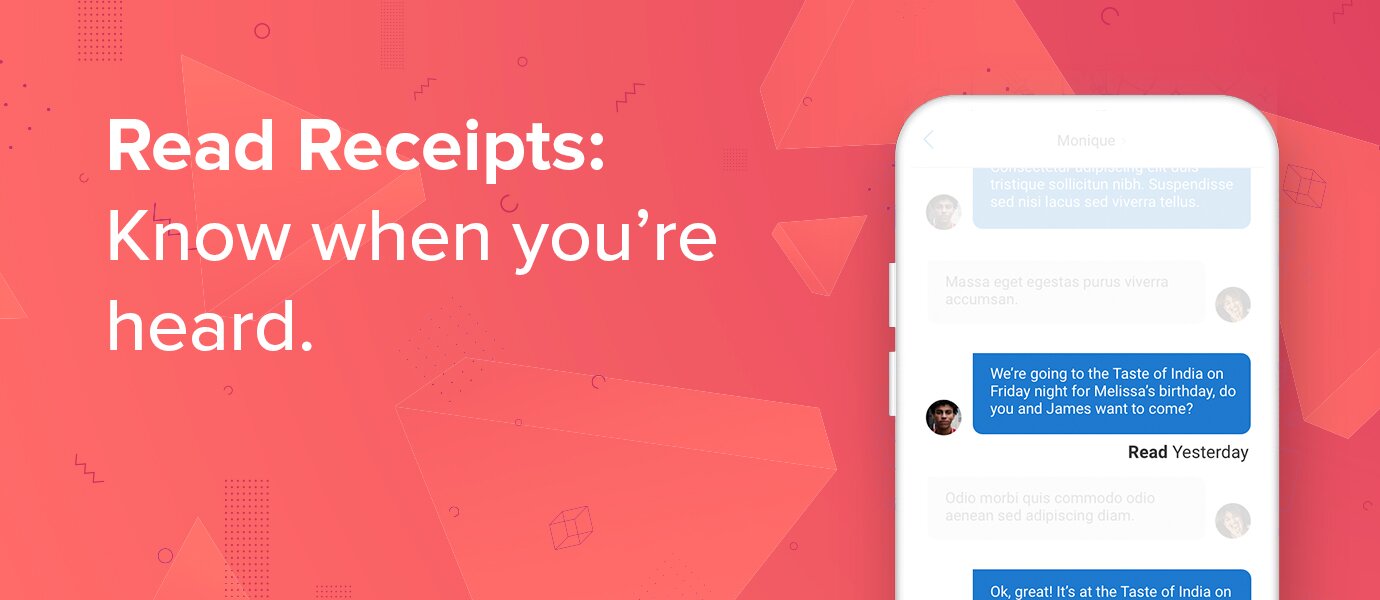
Do your players want to invite friends to a game night? Ask for help with a puzzle? Send an SOS from deep in a dungeon? They will want to know their messages were received. Like any game mechanic, feedback in chat is crucial for awareness and satisfaction. Read receipts can reduce duplicate pings in your main channel and pair naturally with typing indicators for an organic in-game chat experience. The same expectation applies when studios layer video communication or voice chat elsewhere: text coordination still needs a clear delivery state.
PubNub's message receipts track delivery in a channel, including delivered receipts (message reached the user) and read receipts (message was viewed). Integrate message receipts in the Unreal Chat and Unity Chat SDKs to show whether channel members received and read a message, closing the loop on direct messages and urgent team chat alike.
PubNub offers the features you need
No matter who your players are, they have built habits around their day-to-day chat experiences. Features like typing indicators, reactions, and read receipts lend feedback and immediacy to chat rooms, group chats, and a live friends list, lending structure for community building. That level of interaction is the basis of any strong gaming community in live games, and it keeps social density inside your title instead of on Discord, TeamSpeak, or Mumble.
Implementing these features can feel like extra development time when you are racing to ship core gameplay. Compared to combat systems or content pipelines, chat can seem like a luxury. But if your game relies on community, you need in-game chat that players will choose over external tools. You need scalability and reliability when launches and live events stress your stack.
PubNub offers functionality in SDKs for Unreal Chat and Unity Chat SDKs with out-of-the-box chat features. Beyond core real-time infrastructure to send and receive messages, those SDKs expose endpoints to implement essential features quickly. Our platform enables you to build everything you need for lobby chat, guild channels, and private chat on one platform.
Explore how PubNub powers gaming by browsing our Gaming resources and signing up for a free PubNub account to start building with our documentation.
Talk to our team when you are ready to implement chat for your game.
