Tutorial
Build an IoT dashboard
Set up your keys, run the dashboard, and see how devices report readings, move, go offline, and receive firmware.
Watch simulated sensors report from around the world on a live map. Rename, reboot, update, or delete them from the dashboard. Built with plain JavaScript and the PubNub JavaScript SDK.
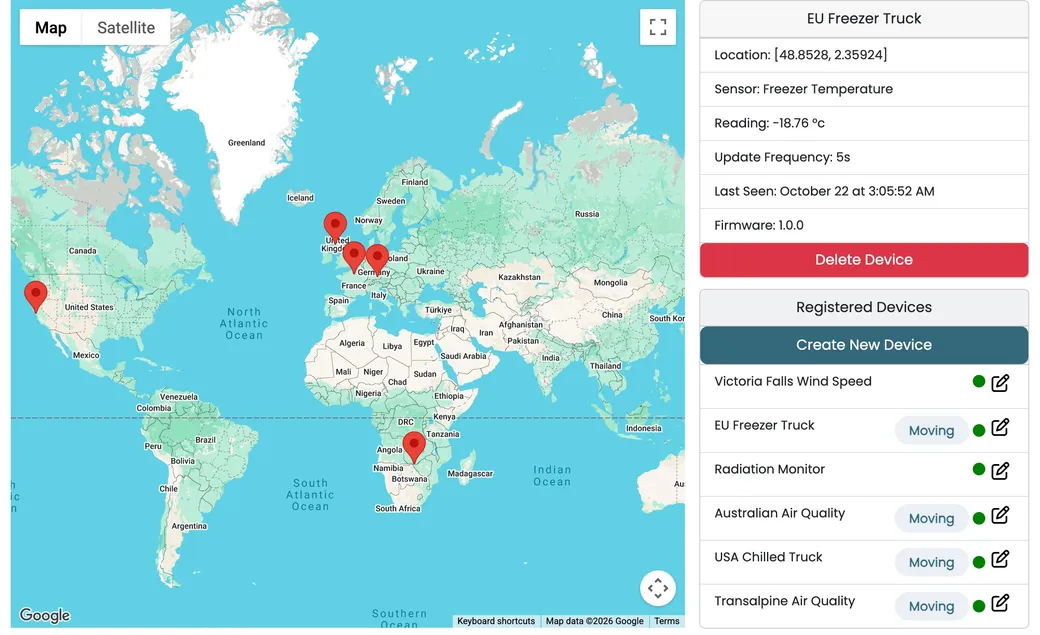
The IoT Dashboard is built with plain JavaScript, Google Maps, and the PubNub JavaScript SDK. The devices are simulated: each one runs in its own web worker with its own PubNub client, so every reading and every command really travels over PubNub, just as it would with hardware in the field.
Each device publishes its readings to its own device.<id> channel. The dashboard listens to all of them with one wildcard subscription and sends commands back on the same channels. Presence shows which devices are online, File Sharing delivers firmware, and Access Manager tokens control access. The devices live only in your tab, so a refresh starts you over with the default six. The source code is open on GitHub, and the tutorial explains the architecture.
Six devices, from a wind sensor at Victoria Falls to a freezer truck in Europe, publish a reading every five seconds. One wildcard subscription to device.* picks them all up.
Trucks and mobile sensors send their location with every reading, and their markers move along the route. Click a marker to zoom in and see its latest values.
Edit a device and the dashboard publishes an update command on its channel. The device applies it, and its next reading shows the new name and interval.
A rebooting device unsubscribes, and the Presence leave event marks it Offline. Five seconds later it rejoins, and the join event brings it back Online.
Pick a file and the dashboard sends it to the device channel with File Sharing. The device receives the file event, reboots, and reports the new firmware version.
Choose a sensor type and a route, or a fixed position, and a new device starts publishing. Delete one and a stop command ends its updates.
Follow the tutorial to set up and run the dashboard and learn how it is built, or clone the finished app and start changing it.
Tutorial
Set up your keys, run the dashboard, and see how devices report readings, move, go offline, and receive firmware.
GitHub
The complete source. Add your publish and subscribe keys to public/js/keys.js, then run npm install and npm run start.
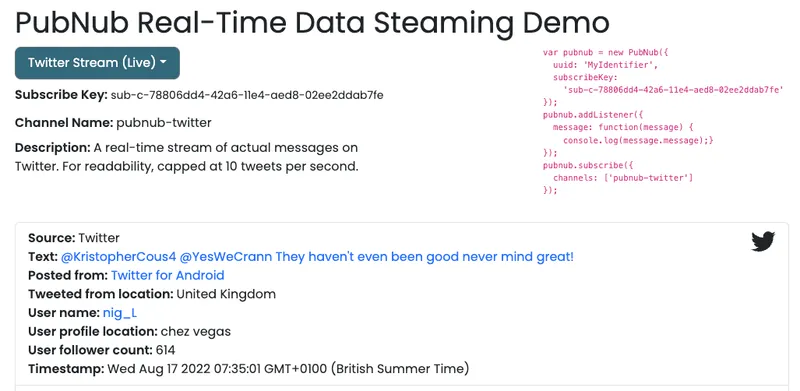
git clone https://github.com/PubNubDevelopers/iot-dashboard-javascript-demo.gitStreaming data is a continuous flow of information from various sources in real time. PubNub’s live streaming APIs enable you to generate, process, and deliver streaming data to any number of subscribers.
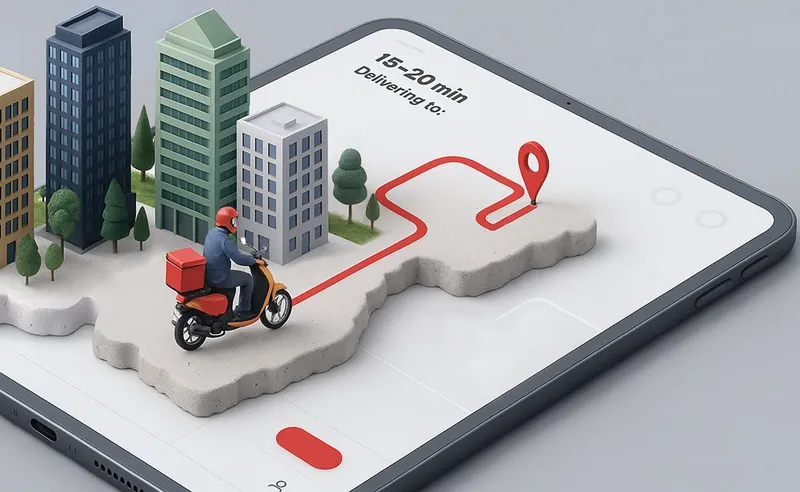
Track deliveries in real time without requiring a custom backend.
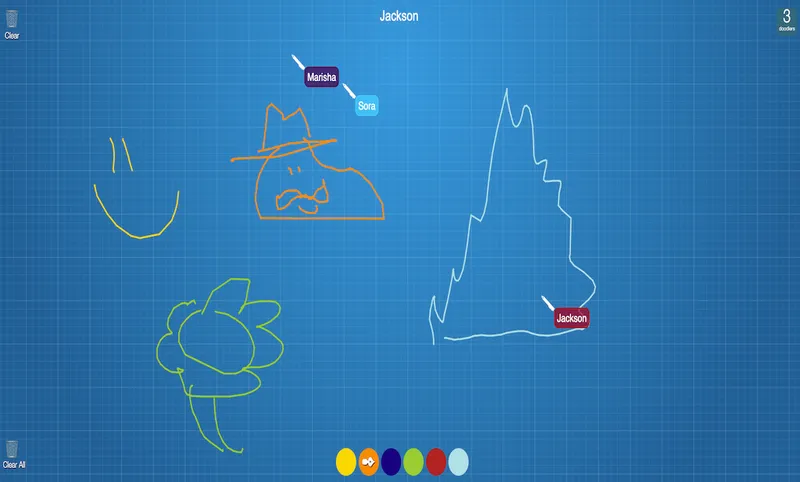
Draw with your friends! Powered by PubNub, our real-time collaboration demo demonstrates a simple drawing application that allows for multiple users to draw at the same time on a canvas.
Bring chat, live updates, and real-time interactions into your application without building the infrastructure from scratch.