Healthcare

Monitor connected medical devices in real time

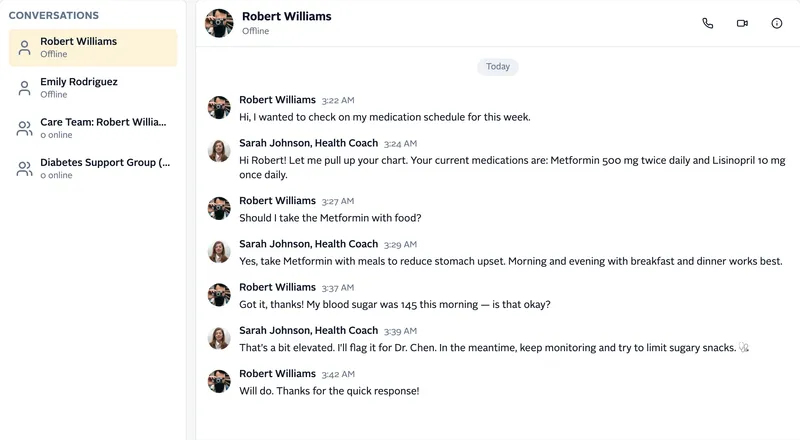
Watch simulated medical devices stream readings to a monitoring dashboard, set the acceptable range for each patient, and get alerts in a care team chat. Built with PubNub signals and messages.

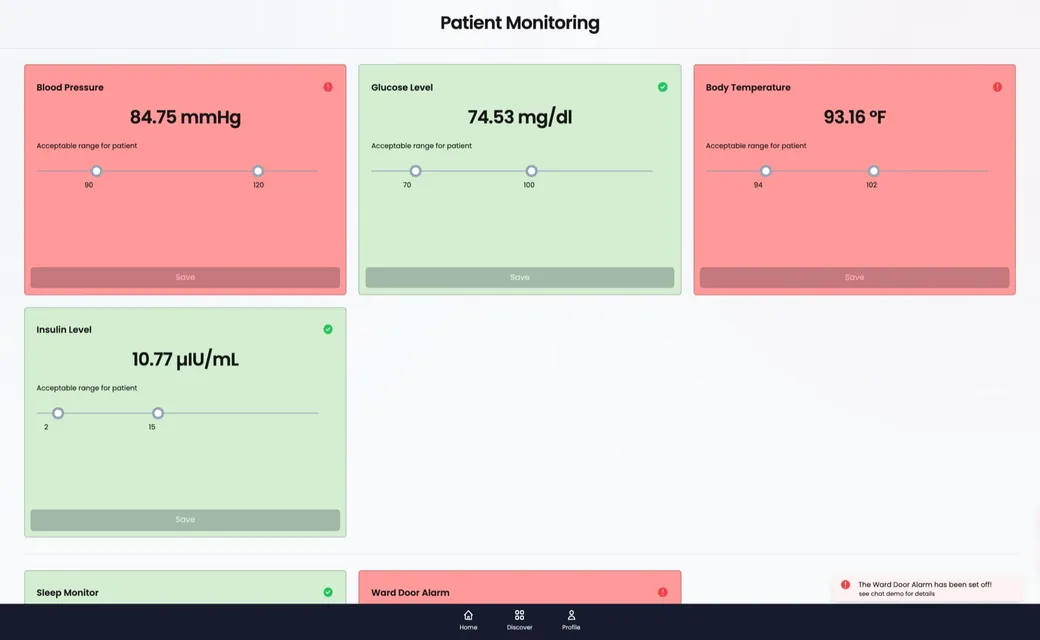
The Patient Monitoring dashboard in the demo: live blood pressure, glucose, body temperature and insulin cards with their acceptable ranges, two cards in red alert state, and an alert that the ward door alarm went off
About this demo

Device data, alerts, and care team chat in one app

This demo shows the real-time layer of a remote patient monitoring app. Pick a nickname, then open Medical Devices. Six simulated devices start in your browser: blood pressure, glucose, body temperature and insulin sensors, a sleep monitor, and a ward door alarm. Each one runs in a Web Worker with its own PubNub connection, the way a wearable or a bedside hub would connect. The patients and readings are fake, and the values are generated to drift in and out of range so you can see alerts. It shows the data flow, not a medical device.

Each device sends its readings as signals on its own channel, and the dashboard receives all of them with one wildcard subscription. When a device's status changes, it publishes an alert message to your private Medical Devices channel. The alert is stored with Message Persistence and shows up in the chat app. Settings travel the other way, as messages from the dashboard to the device. The same app also tracks a simulated ambulance on a map, and it includes a group chat and a live event with polls. Device names and channel members are stored in App Context, and each session gets an Access Manager token. The source code is open on GitHub.
Features

What you can do

  • Watch device readings stream in

    Every few seconds, each device sends a new reading as a signal on its own channel. The dashboard subscribes to all device channels at once and updates each card as readings arrive.

  • Set the acceptable range for each patient

    Drag the range sliders on a sensor card and tap Save. The dashboard publishes the new limits to that device's channel, and the device checks its next readings against them.

  • Get an alert when a reading leaves the range

    When a reading gets close to a limit, the card turns amber. Outside the range, it turns red. The device publishes a status message, and a notification slides in on the dashboard.

  • Review alerts in the care team chat

    Open the chat and select the Medical Devices group. Every alert is stored with Message Persistence, so the history loads when you open it, and an unread count shows how many alerts you missed.

  • Switch bedside alarms on and off

    Turn the sleep monitor or the ward door alarm off and on, or change its sensitivity. Each change is sent to the device as a message, and the device reports its new state back.

  • Track an ambulance on its way

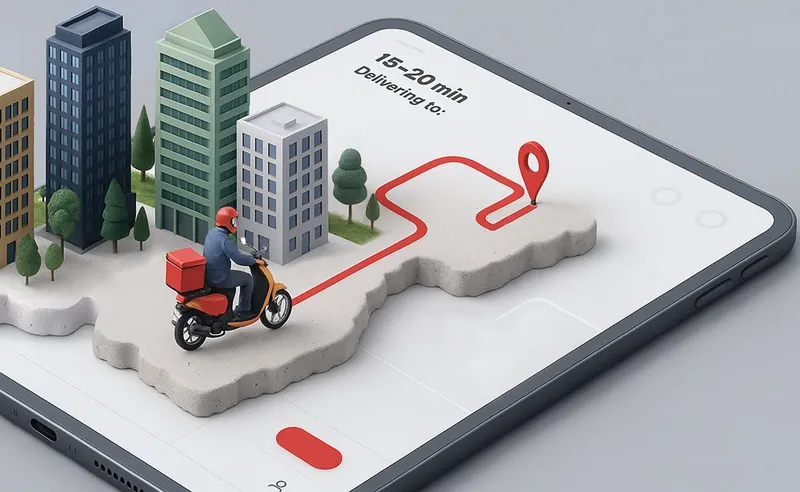
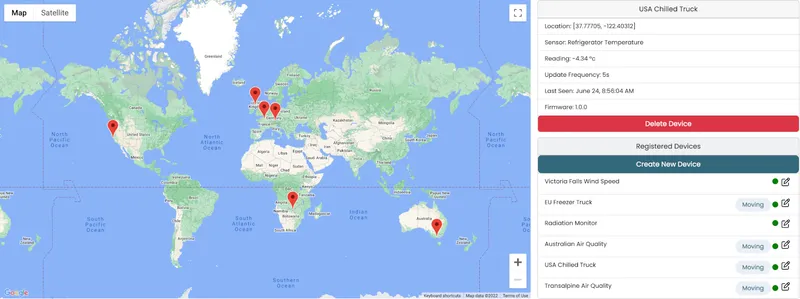
    Open Vehicle Dispatch and tap Dispatch Vehicle. A simulated ambulance drives a route on the map and sends its location and a patient heart-rate reading as signals. You can redirect it or send the driver a simulated push message.

Build it yourself

Make your own patient monitoring app

Clone the app, add your PubNub keys, and serve it locally.

GitHub

PubNubDevelopers/healthcare-javascript-demo

The complete source, in plain JavaScript. Enable Presence, Message Persistence, App Context, and File Sharing on your keyset, add your publish and subscribe keys (and a Google Maps key for Vehicle Dispatch) to shared/keys.js, then serve the folder with a local web server.

git clone https://github.com/PubNubDevelopers/healthcare-javascript-demo.git
View on GitHub
Keep building

Build interactive real-time experiences with PubNub

Bring chat, live updates, and real-time interactions into your application without building the infrastructure from scratch.